Spielen
Powered by EmulatorJS · Arcade
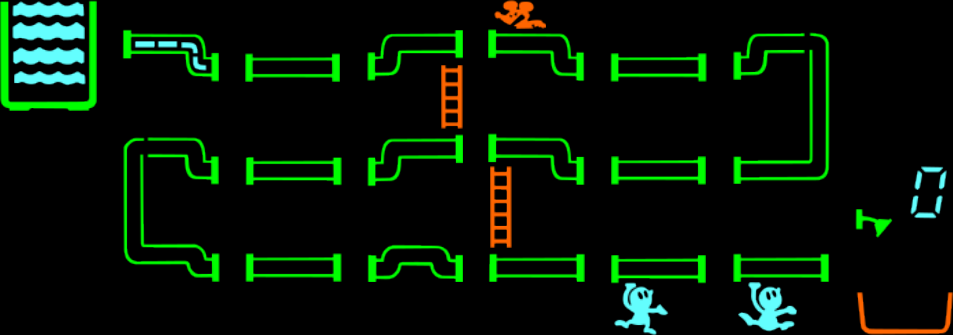
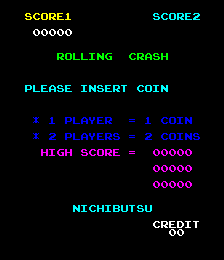
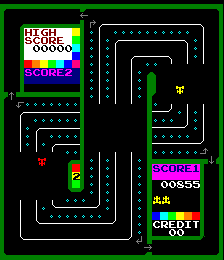
Rolling Crash / Moon Base is a playable Arcade cabinet in the Classic Arcade Games library, first filed here as a 1979 release. Catalog tags place it in MultiGame. The page below runs the game in your browser with EmulatorJS — no separate download or desktop emulator install.
Player layout in our catalog: 2P alt.
If you are exploring by feel rather than by title, jump from the tags above into the matching genre rooms, or return to the Arcade hall for the full wall.
Open Play on this page to start Rolling Crash / Moon Base. Keyboard, USB/Bluetooth pads, and the on-screen touch gamepad all work inside the emulator bar. Save states and fullscreen live on that same bar so you can pause mid-session and resume later.
Rolling Crash / Moon Base is filed in our catalog as a 1979 release.
Player layout on this cabinet: 2P alt.
Genre tags on Classic Arcade Games: MultiGame.
Credit line lists Nichibutsu as developer.
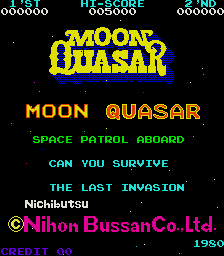
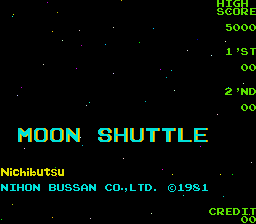
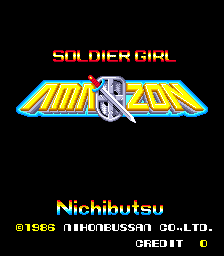
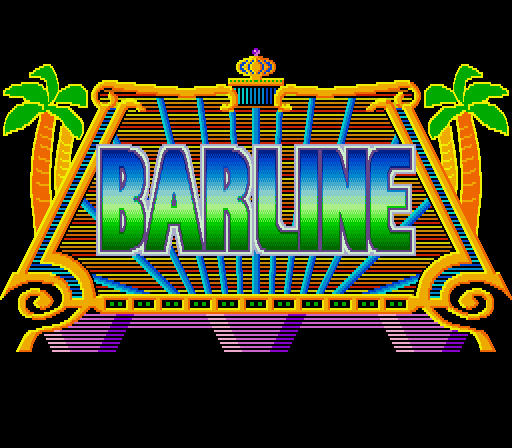
Nearby cabinets you may also open from this hall (each on its own play page):Crazy Climber (Bandai), Frisky Tom (Bandai), Crazy Climber (US set 1), Frisky Tom (set 1), Gomoku Narabe Renju, Moon Quasar, Moon Shuttle (US? set 1), Soldier Girl Amazon, Barline (Japan?), Bijokko Gakuen, Bijokko Yume Monogatari, Crazy Climber 2 (Japan)
Invinco / Deep Scan · Ms. Pac-Man/Galaga - 20th Anniversary Class of 1981 Reunion (V1.08) · Pac-Man - 25th Anniversary Edition (Rev 2.00) · 39 in 1 MAME bootleg (GNO-V000) · New HyperMan (3-in-1 with Cookie & Bibi & HyperMan) (set 1) · 4 Fun in 1 · Anime Champ (GCA07 VER. JAA) · Arcade Classics (prototype) · Bestri (Korea, set 1) · Bishi Bashi Championship Mini Game Senshuken (ver JAA, 3 Players) · CPS3 Multi-game bootleg for HD6417095 type SH2 (V4) · Defender M2500P 120-in-1
Nichibutsu appears on this cabinet’s credit line. Browse more titles from the same studio on the developer shelf, or stay on this page and try the next cabinets in the same hall.
Crazy Climber (Bandai) · Frisky Tom (Bandai) · Crazy Climber (US set 1) · Frisky Tom (set 1) · Gomoku Narabe Renju · Moon Quasar · Moon Shuttle (US? set 1) · Soldier Girl Amazon
Yes. Classic Arcade Games hosts Rolling Crash / Moon Base as a Arcade cabinet you can start on this page. The emulator loads in the browser; you do not need to install a separate app.
Arcade stick feel: Arrow keys for the joystick, X/Z (and nearby keys) for buttons, Enter=Start. USB / Bluetooth pads map cleanly; six-button fighters use the face-button cluster.
Our catalog tags Rolling Crash / Moon Base under MultiGame. Open those genre rooms from the tags on this page to find more playable cabinets in the same feel.
Kopiere den iframe-Code unten, um dieses Spiel auf deiner Website einzubetten.
<iframe src="https://de.classicarcade.games/games/arcade/rollingc?embed=1" width="800" height="600" allowfullscreen allow="gamepad; autoplay; fullscreen"></iframe>